React Projects for Real Learning
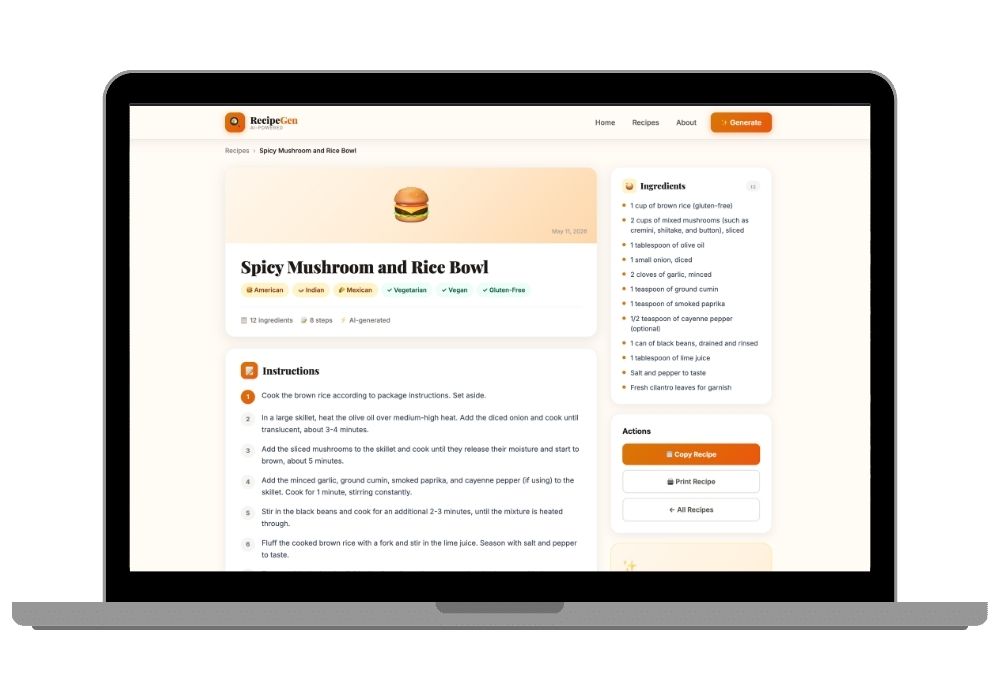
The gap between "I finished a React tutorial" and "I can build a React app" is huge. Tutorials teach you useState and useEffect. They don't teach you how to organize 50 components across 20 pages with shared state, authentication guards, and API error handling. Our projects fill that gap.
Admin Dashboards
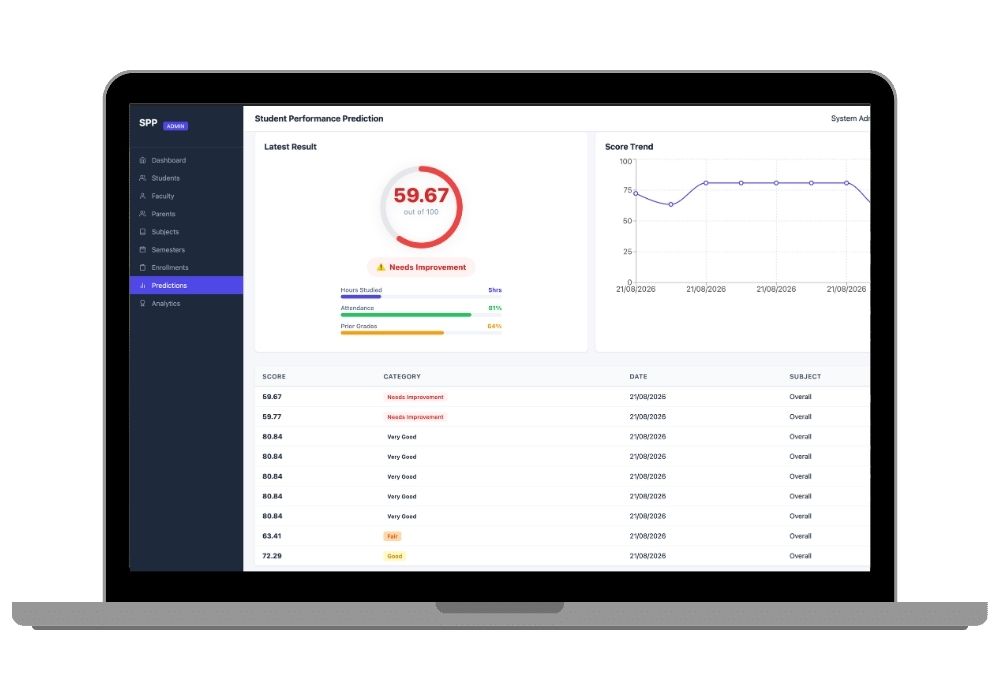
Dashboard projects include data tables with sorting, filtering, and pagination (using AG Grid or Material-UI DataGrid), charts with Chart.js or Recharts, sidebar navigation, user management interfaces, and role-based access control on the frontend. These are the kind of interfaces you build at a job, and they teach you patterns you won't find in courses.
E-Commerce Frontends
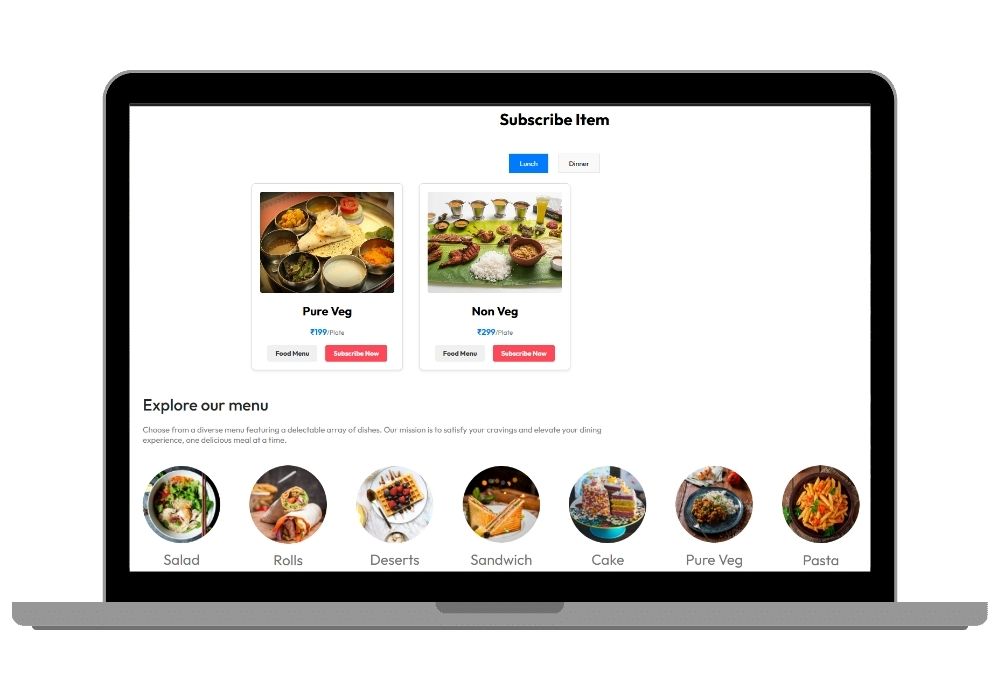
Our React e-commerce projects connect to Django or Node.js backends. They include product listing pages with filters, product detail pages with image galleries, shopping cart with localStorage persistence, checkout forms with validation, and order history. Some include Stripe integration on the frontend side.
Component Architecture
Every project follows a consistent component structure. Shared UI components live in a /components directory. Page-level components are in /pages. Custom hooks handle reusable logic (useAuth, useFetch, useDebounce). Context providers manage global state. This is the same pattern used at companies like Airbnb and Shopify.
API Integration Patterns
Projects show you how to handle API calls properly — loading states, error states, retry logic, request cancellation with AbortController, and token refresh on 401 responses. You'll see Axios interceptors configured for authentication headers and error handling. These patterns are what separate junior developers from mid-level ones.