How Automated Attendance Works
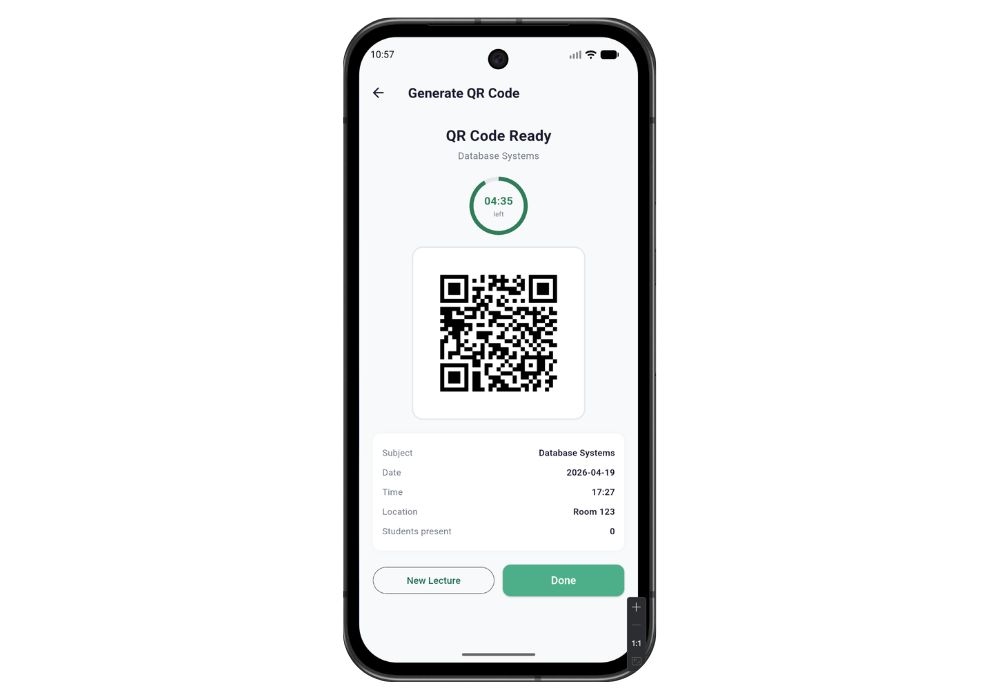
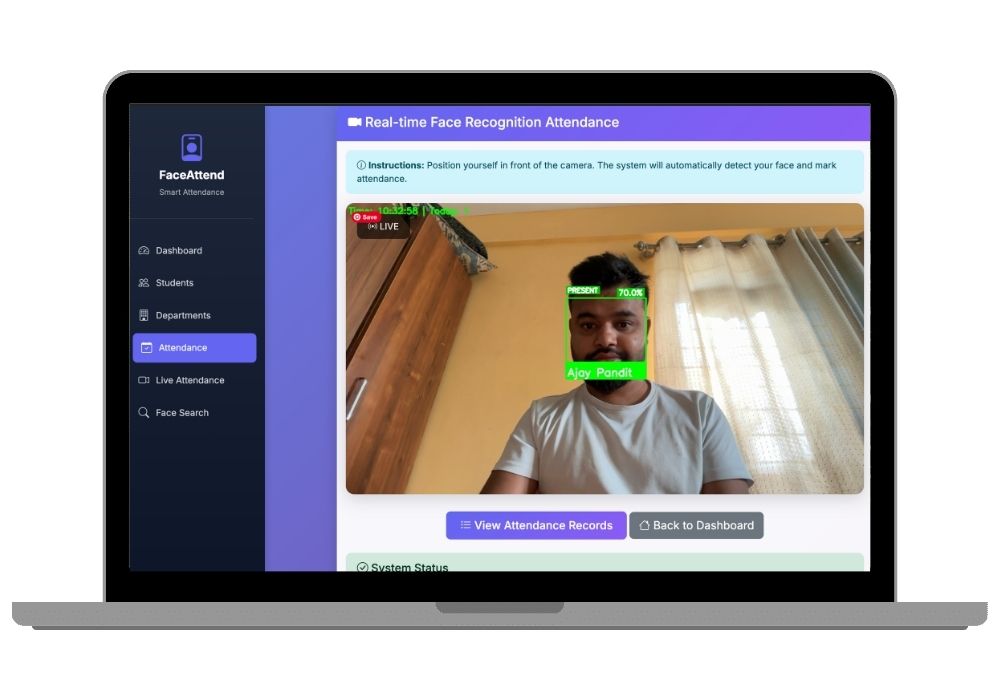
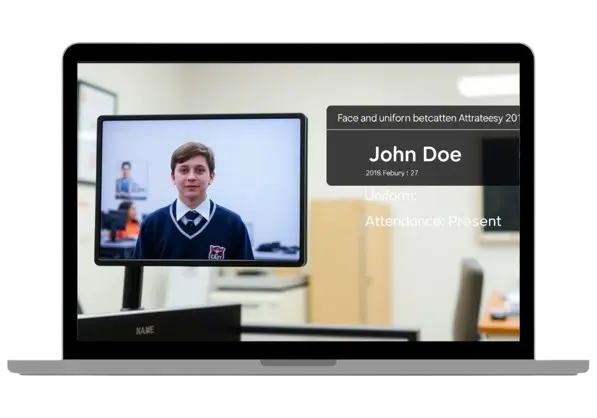
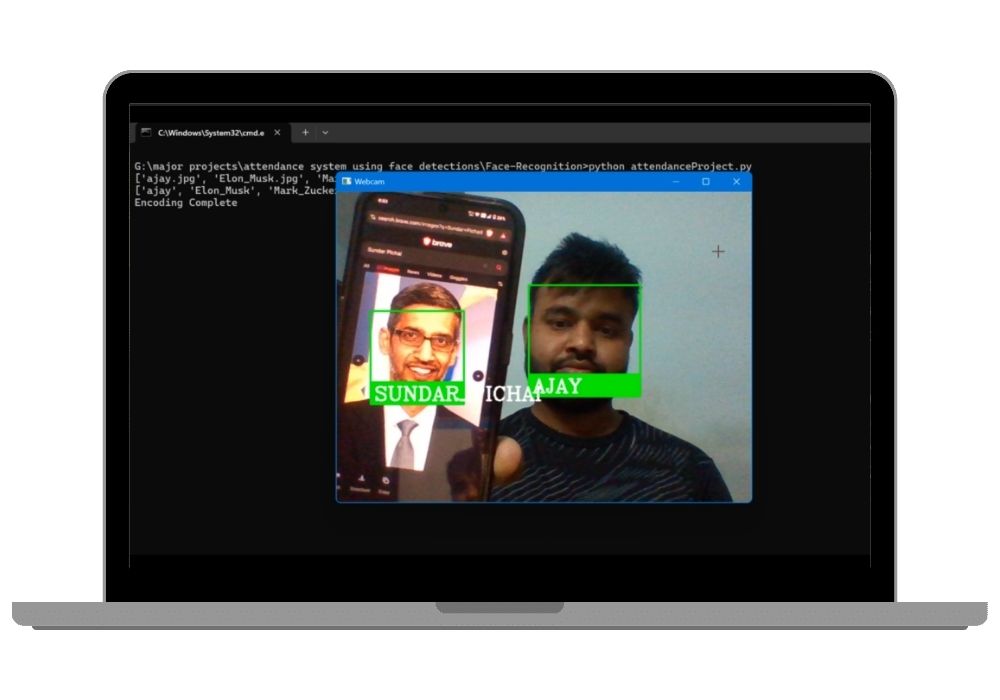
The system runs on a computer connected to a camera at the entrance. When a person approaches, the camera captures their face, the recognition engine identifies them against the enrolled database, and a check-in event is logged with a timestamp. The same process handles check-out. The entire identification takes 1-2 seconds per person.
Enrollment
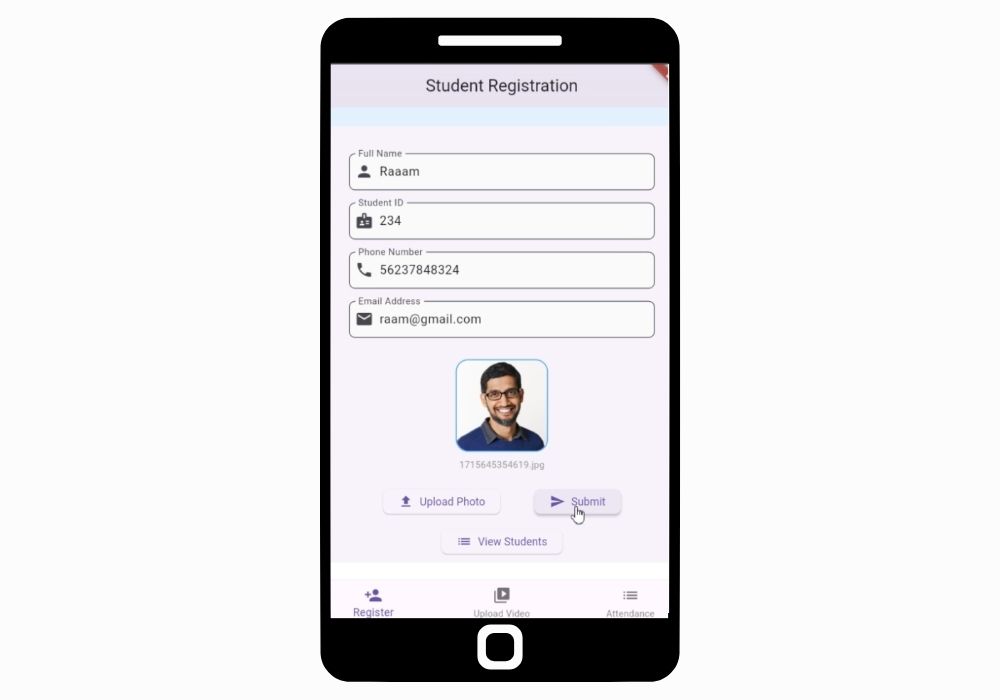
Adding a new person takes 30 seconds. The admin captures 5-10 photos through the web interface or uploads existing ID photos. The system generates face embeddings and stores them in the database. More photos from different angles improve recognition accuracy in varying conditions.
Recognition Engine
The recognition pipeline uses MTCNN for face detection and ArcFace for face embedding (same technology used in the face recognition solution, optimized here for attendance-specific workflows). It handles multiple people in frame simultaneously -- tested with groups of 10+ walking past the camera together. Recognition accuracy is 99%+ for enrolled faces with proper enrollment photos.
Attendance Logic
The system tracks three types of events: check-in (first recognition of the day), check-out (last recognition after a configurable gap), and break (recognition events between check-in and check-out). Working hours are calculated from check-in to check-out minus break duration. Late arrivals are flagged based on the configured start time for each department or class.
Reports and Analytics
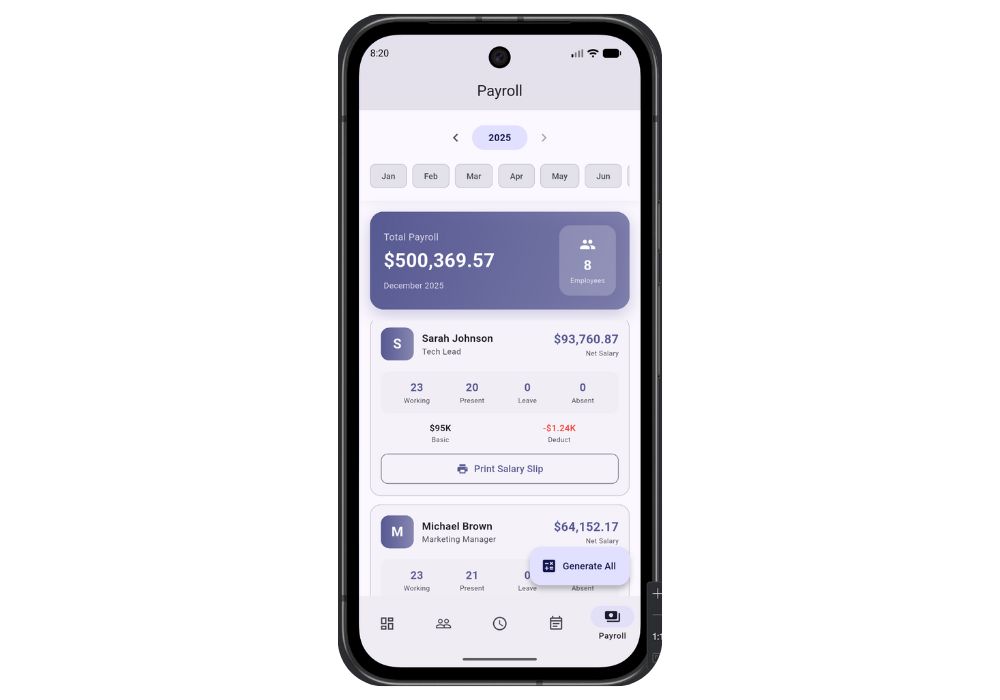
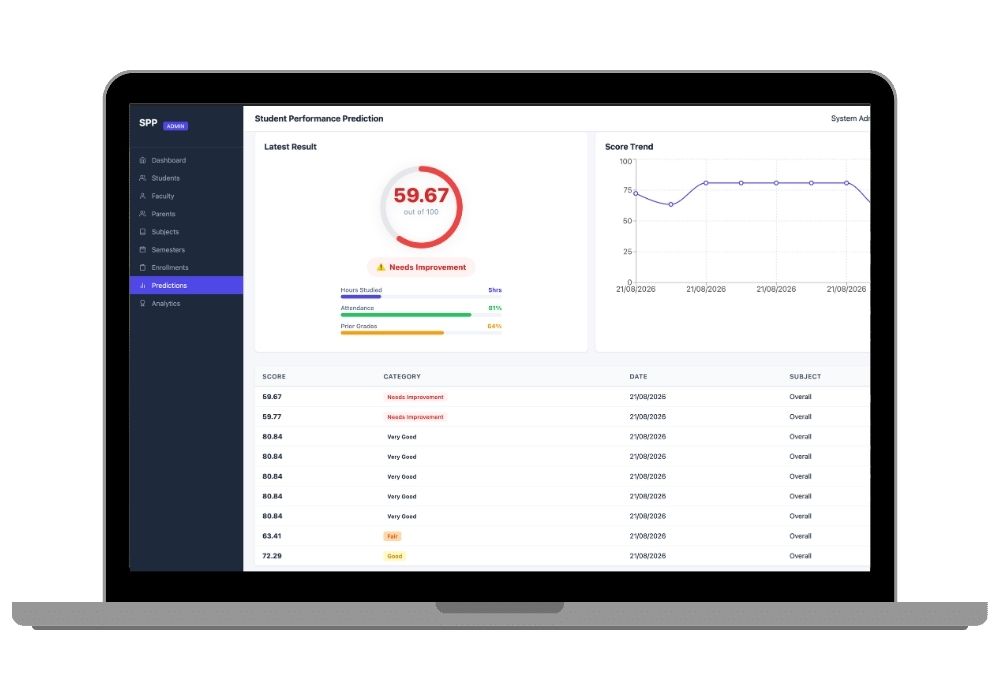
The dashboard shows real-time attendance status (present, absent, late) for all enrolled persons. Daily reports list check-in times, check-out times, and working hours. Monthly summaries show total present days, absent days, late days, and average working hours. Reports filter by department, date range, and individual. Export as CSV for payroll or PDF for records.