The Problem with Traditional Chatbots
Rule-based chatbots fail because they can't handle the infinite ways people phrase the same question. "How do I reset my password?" and "I forgot my login" and "Can't get into my account" are the same question, but a decision-tree bot treats them as three different intents. You end up maintaining hundreds of rules that still miss edge cases.
LLM-powered chatbots without RAG have a different problem: they hallucinate. Ask about your specific return policy and the model invents one. It sounds confident while being completely wrong. That's worse than no answer at all.
RAG solves both problems. The retrieval step finds the relevant sections from your actual documentation. The generation step uses that context to produce an accurate, natural-language answer. No rule maintenance, no hallucination (as long as the answer exists in your docs).
How the RAG Pipeline Works
Document ingestion starts with uploading your files -- PDFs, DOCX, HTML, or plain text. The pipeline chunks each document into 500-1000 token segments with 100-token overlap to preserve context across chunk boundaries. Each chunk is embedded using OpenAI's text-embedding-3-small model and stored in a vector database (ChromaDB for development, Pinecone for production).
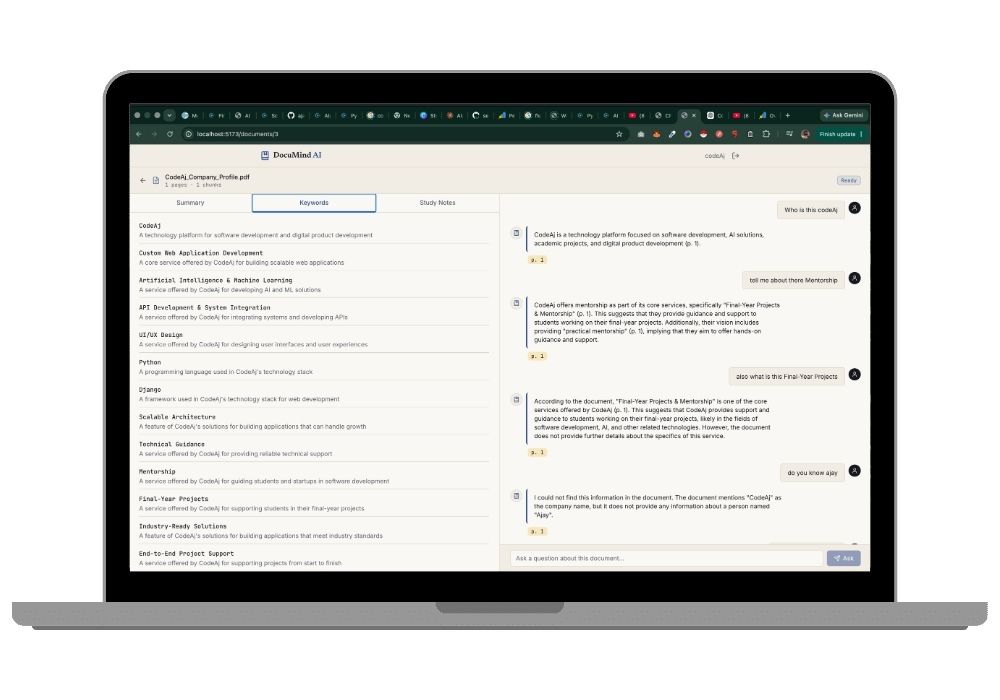
At query time, the user's question is embedded using the same model, and the top 5 most similar chunks are retrieved. These chunks, along with the conversation history, are injected into the system prompt for the LLM. The model generates an answer grounded in your documentation, with source citations linking back to the original documents.
Chat Interface and Admin Panel
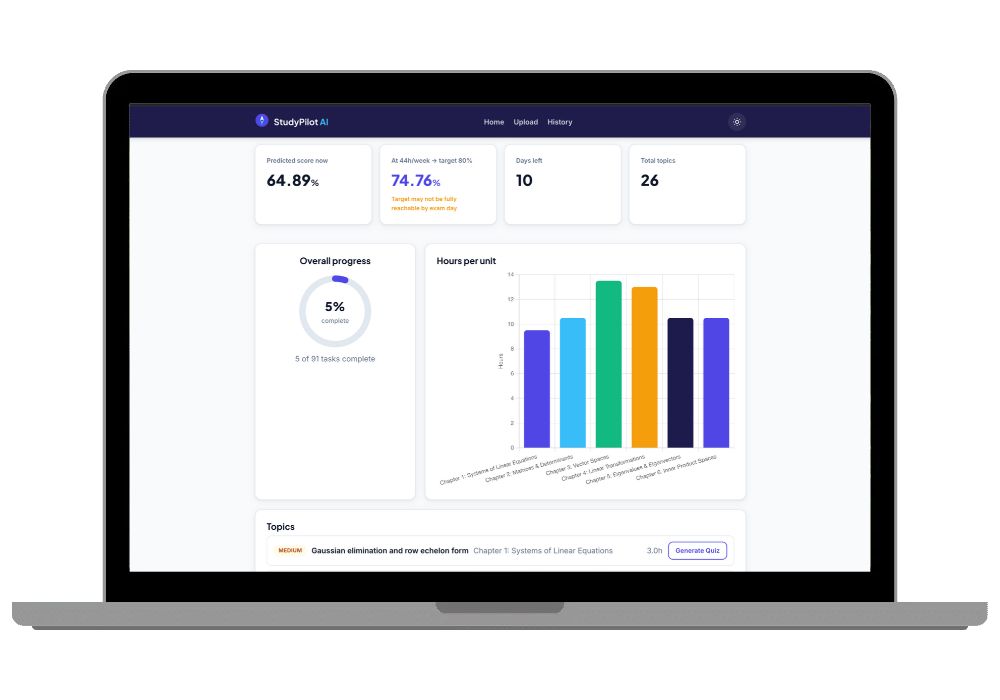
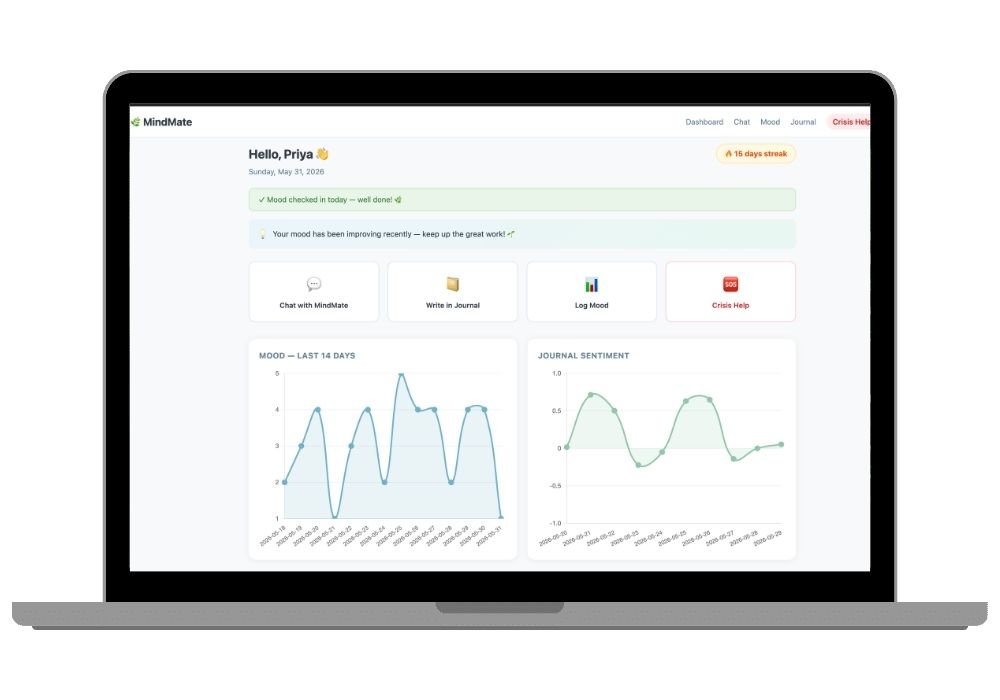
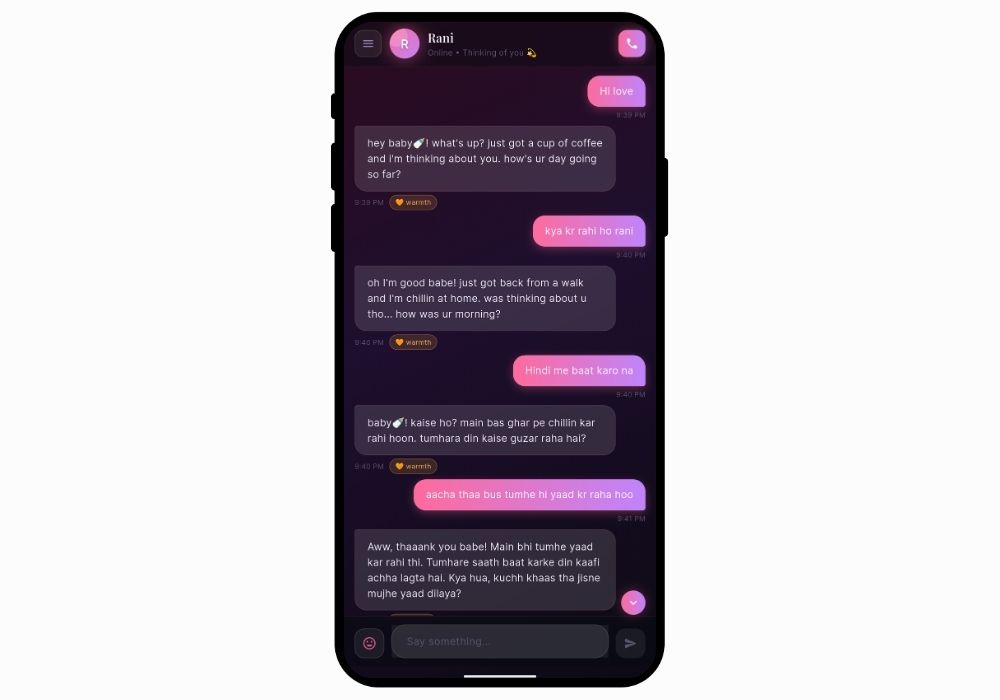
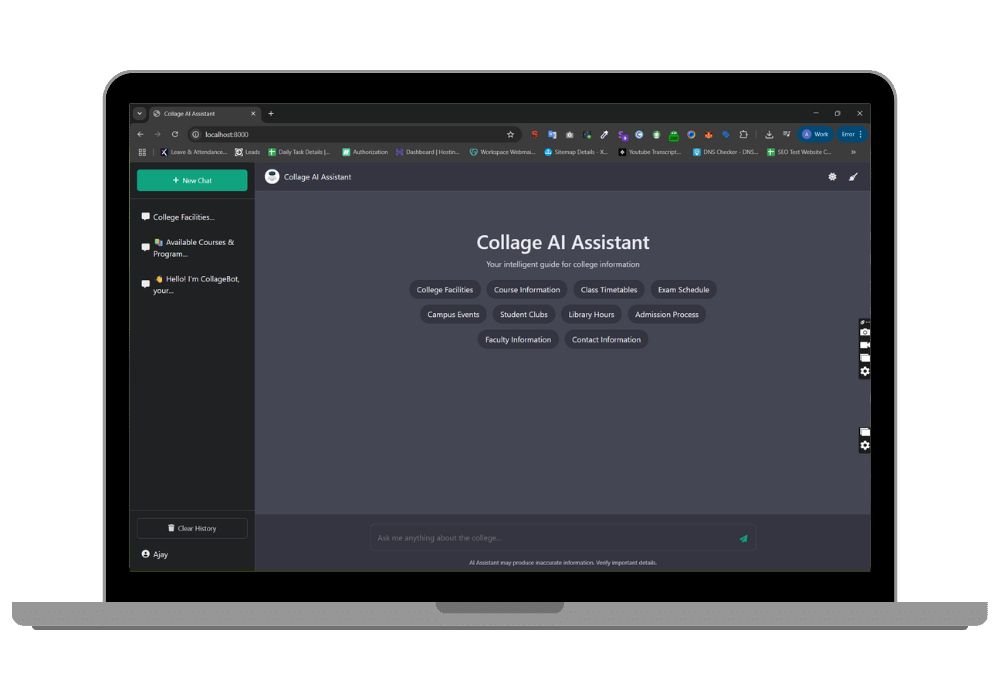
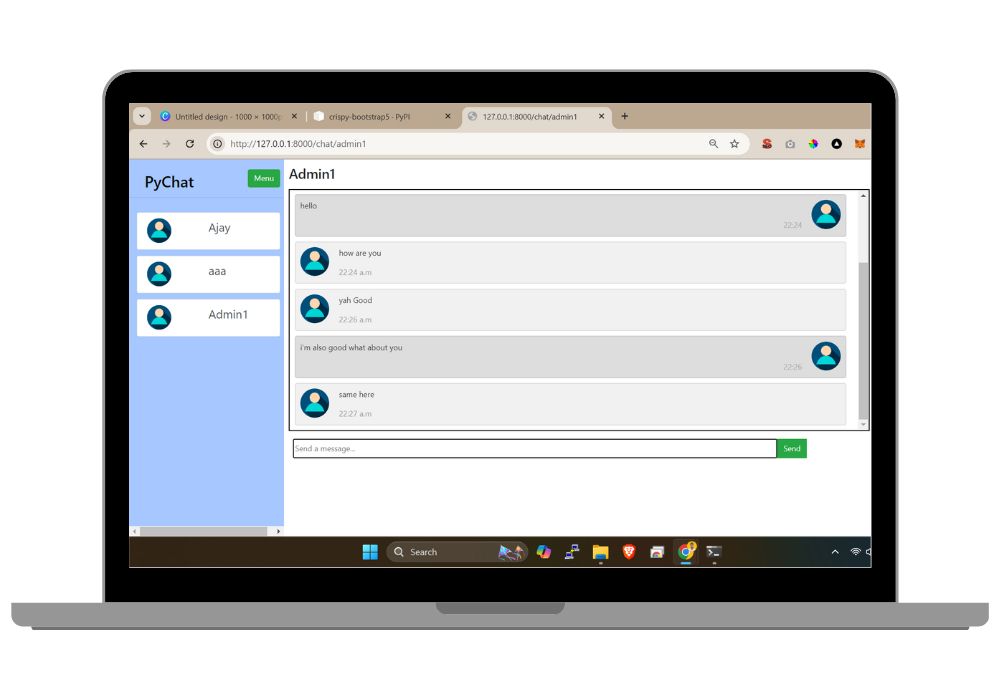
The chat widget is a React component you can embed on any website. It supports markdown formatting, code blocks, conversation history, and typing indicators. The admin dashboard shows conversation analytics: total queries, resolution rate, average response time, most-asked topics, and escalation reasons. You can review individual conversations, flag incorrect answers, and add new documents to the knowledge base.
Escalation and Human Handoff
The bot monitors its own confidence. When retrieved documents have low similarity scores or the question is outside the knowledge base, the bot tells the user it can't answer and offers to connect them with a human agent. The full conversation transcript transfers to the agent's dashboard so the customer doesn't repeat themselves.