ThreatLens Live Cyber Threat Intelligence Dashboard
A working SOC dashboard that pulls real CVEs, malware hashes and malicious IPs from five live threat feeds, maps them by country, and explains each one in plain English using AI. Django source code included.
Technology Used
Django | HTMX | Chart.js | Leaflet.js | Celery | Redis | SQLite | Groq API | Python


What This Project Actually Does
ThreatLens is a security operations dashboard. It goes out to five public threat intelligence sources — NVD for CVEs, CISA's Known Exploited Vulnerabilities catalog, MITRE ATT&CK, MalwareBazaar for malware samples, and AbuseIPDB for malicious IPs — pulls all of that into one SQLite database, and then shows it to you as a single live feed instead of five browser tabs.
That's the whole idea. Instead of an analyst checking NVD in the morning, then CISA, then abuse.ch, then wondering which country all those bad IPs are coming from, everything lands in one dark-themed screen that refreshes itself every 30 seconds.
And it's real data. Not seeded dummy rows. When you run python manage.py fetch_nvd_cves, the CVEs that land in your table are the ones that were actually disclosed this week. Your examiner can pick any CVE ID off your screen, Google it, and it'll be there. That single fact does more for your viva than any amount of UI polish.
Key Features
Live feed that updates without a page reload
The dashboard polls every 30 seconds using HTMX. New indicators of compromise slide in at the top while you're looking at the screen. No React, no build step, no npm install taking twenty minutes — just Django templates and an HTMX attribute.
Five ingestion commands, all idempotent
Each feed is its own management command: fetch_nvd_cves, fetch_cisa_kev, fetch_mitre_attack, fetch_malwarebazaar, fetch_abuseipdb. Plus fetch_all_feeds which runs the lot in sequence. Every one of them upserts on the source's own ID, so you can run them fifty times and never get a duplicate row. Which matters more than it sounds like it does, because you will run them fifty times while testing.
Type-ahead IOC search
Type an IP, a file hash, a domain, or a CVE number into the search box and results appear as you type — debounced, HTMX-driven, filtered by IOC type with pill buttons. This is the feature that sells the project during a demo. Paste in a hash, get an instant hit.
Country threat map
A Leaflet choropleth that colour-scales each country by how many threats have been geolocated there. Hover any country and you get a tooltip with the count. Red blobs over the usual suspects, and a live summary count above it.
Malware trend charts
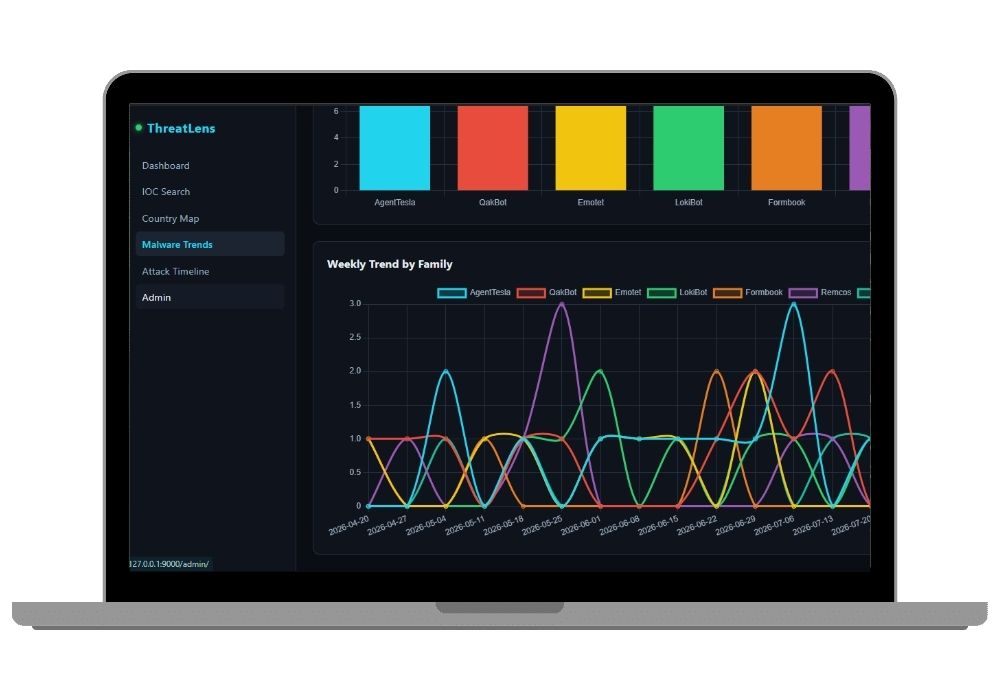
Chart.js visualisations showing the top malware families from MalwareBazaar over the past six months, plus a weekly frequency timeline so you can see which families are actually spiking right now versus which ones are old news.
Attack timeline with MITRE tactic filtering
Chronological view of every ingested threat, filterable by MITRE ATT&CK tactic, with HTMX infinite scroll. Scroll down, more loads. No pagination buttons.
AI summaries in plain English
Click the AI Summary button on any threat card and the Groq API returns a short explanation — what the threat is, why it matters, who's likely affected. The result gets cached on the record, so it only ever gets generated once per threat and never burns your API quota twice for the same CVE.
Sidebar filters that follow you around
Filter by source, severity, date range (24 hours, 7 days, 30 days, all time), and MITRE tactic. Whatever you set carries across to the feed, the search results, and the timeline automatically — you don't have to re-apply it on every screen.
Threat detail pages with the raw payload
Click through any IOC and you get full metadata plus the original JSON exactly as it came off the feed. Examiners love this. It proves the data is genuinely external and not something you typed into the admin panel the night before.
Auth-gated, single-analyst access
Django's built-in authentication guards every single view. Nothing is public. Log in as your superuser, and that's it.
How the Data Pipeline Actually Works
Worth understanding this bit properly, because it's the part you'll be asked about.
Each management command hits its source's API, normalises whatever shape that source returns into a common ThreatEvent model, and writes it with an upsert keyed on source_id. fetch_mitre_attack is the odd one out — it doesn't create threat events at all. It syncs the Enterprise ATT&CK STIX bundle into a separate MitreTechnique reference table, which is what powers the tactic filters and the human-readable tactic labels everywhere else.
Then Celery and django-celery-beat wrap those same commands as scheduled tasks running every 15 to 30 minutes. The schedule lives in the database, not in code, so you can change the interval from the Django admin at /admin/django_celery_beat/periodictask/ without touching a file or restarting anything.
The nice part: the scheduler is optional. Every command runs standalone. So for your college demo you can just run fetch_all_feeds beforehand, skip Celery entirely, and everything still works.
Real-World Applications
- SOC triage — one screen for newly disclosed CVEs, actively exploited vulnerabilities, and fresh malicious infrastructure, instead of five separate feeds.
- Patch prioritisation — cross-reference CVSS severity against CISA KEV status to figure out what genuinely needs patching this week versus next month.
- Incident response lookups — an IP shows up in your firewall logs at 2 AM; search it here and find out in two seconds whether it's already a tracked threat.
- Malware trend reporting — pull the top families chart for a weekly security briefing.
- Junior analyst onboarding — the AI summaries turn terse CVE descriptions into something a first-week analyst can actually understand.
- Small teams without budget — commercial threat intel platforms cost real money. This runs on SQLite, free public feeds, and Groq's free tier.
The Honest Bit: One Hard Thing, One Easy Thing
The hard part is Redis and Celery on Windows. Celery dropped proper Windows support a while back, and getting the worker and beat processes talking to a local Redis on a Windows laptop is genuinely the most annoying hour of this whole setup. Our fix is simple — don't fight it. Run the fetch commands manually for your demo, and only set up Celery if you're deploying to a Linux VPS or you specifically want the automation in your report. We've documented both paths.
The easy part is everything else. There's no frontend build pipeline. No webpack, no Node, no npm. HTMX is a single script tag, Chart.js and Leaflet are CDN links, and the whole UI is Django templates. If you know how to write a Django view and a template, you already know how to modify this entire project. Most students get it running locally in under twenty minutes, API keys included.
Who Should Buy This
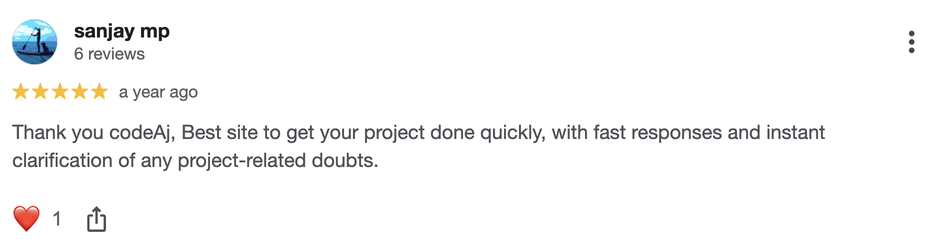
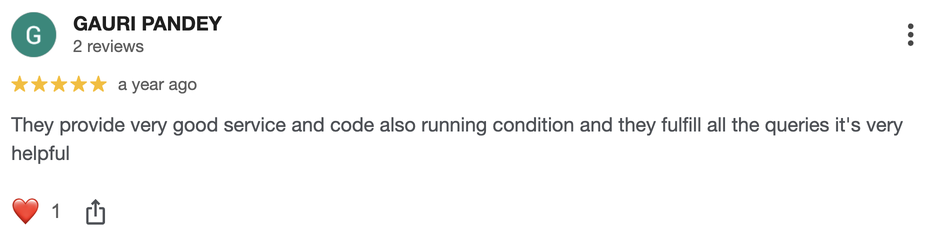
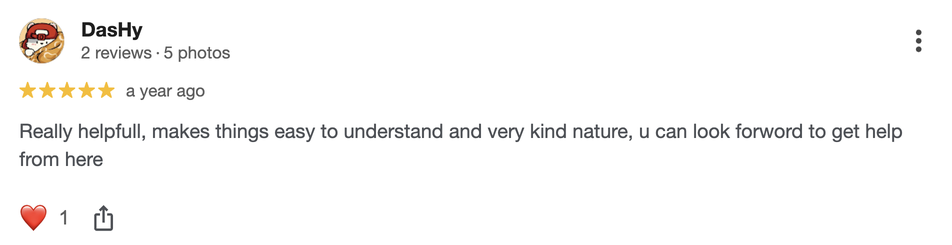
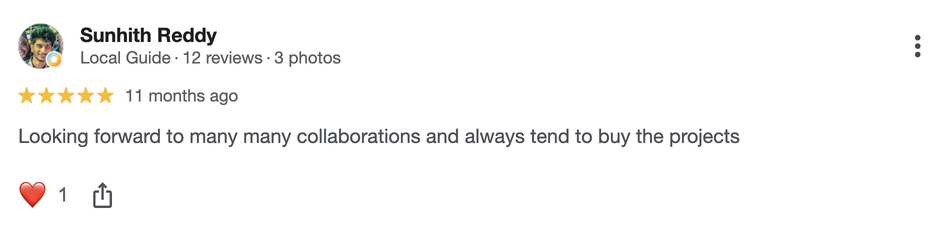
If you're a student who needs a working project for your college submission, final-year project, semester project, internship, or academic demonstration, this is for you. Whether you're studying BCA, B.Tech, MCA, M.Tech, Computer Science, IT, AI, Data Science, or another related field, you can choose a project that fits your requirements. If you need the source code, project report, documentation, or help setting up and running the project, CodeAj gives you the resources and support to get started faster.
Especially relevant if your specialisation is security. Most cyber security final year projects submitted in India are keyloggers, password strength checkers, or a Caesar cipher with a Tkinter window. This is a real threat intelligence platform pulling live government and industry feeds. The gap is noticeable.
Why CodeAj
You get the complete source code — every view, every management command, every template, the Celery config, the systemd unit files, the Nginx site config, all of it. The project report and documentation come with it, written to match what Indian university submission formats actually ask for, and if the setup gives you trouble we'll get on a call and sort it out rather than pointing you at a README. Browse more cyber security final year projects if you want to compare options first, or check the full Django projects with source code collection — ThreatLens fits right in with the rest of the stack there. Students on the B.Tech CSE track usually start from the B.Tech CSE final year projects hub.
Frequently Asked Questions
Extra Add-Ons Available – Elevate Your Project
Add any of these professional upgrades to save time and impress your evaluators.
Live 1-on-1 Mentorship
Personal session with an expert developer
Project Setup
We'll install and configure the project on your PC via remote session (Google Meet, Zoom, or AnyDesk).
Source Code Explanation
1-hour live session to explain logic, flow, database design, and key features.
Want to know exactly how the setup works? Review our detailed step-by-step process before scheduling your session.
₹999
Custom Documents (College-Tailored)
- Custom Project Report: ₹1,500
- Custom Research Paper: ₹1,000
- Custom PPT: ₹800
Fully customized to match your college format, guidelines, and submission standards.
Project Modification
Need feature changes, UI updates, or new features added?
Charges vary based on complexity.
We'll review your request and provide a clear quote before starting work.